設計一種帶工具欄和留言功能的記事本
2014-07-28 05:05:44王彩霞
電腦知識與技術
2014年18期
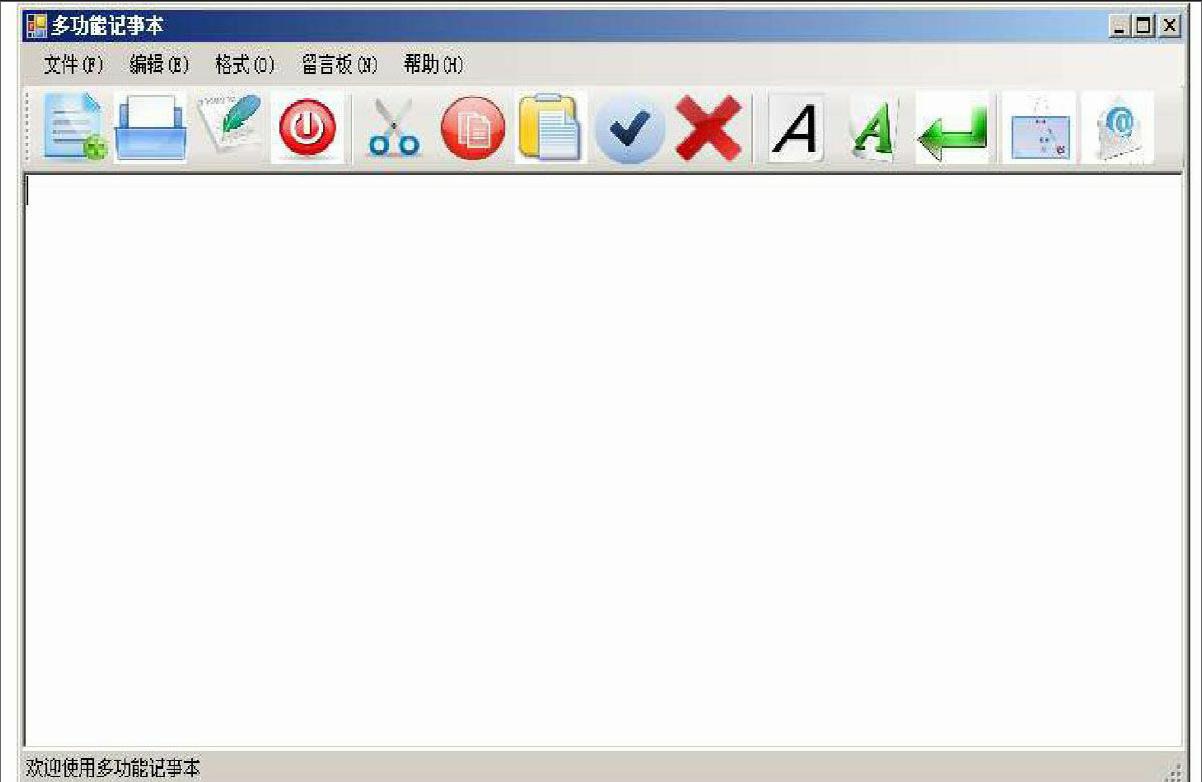
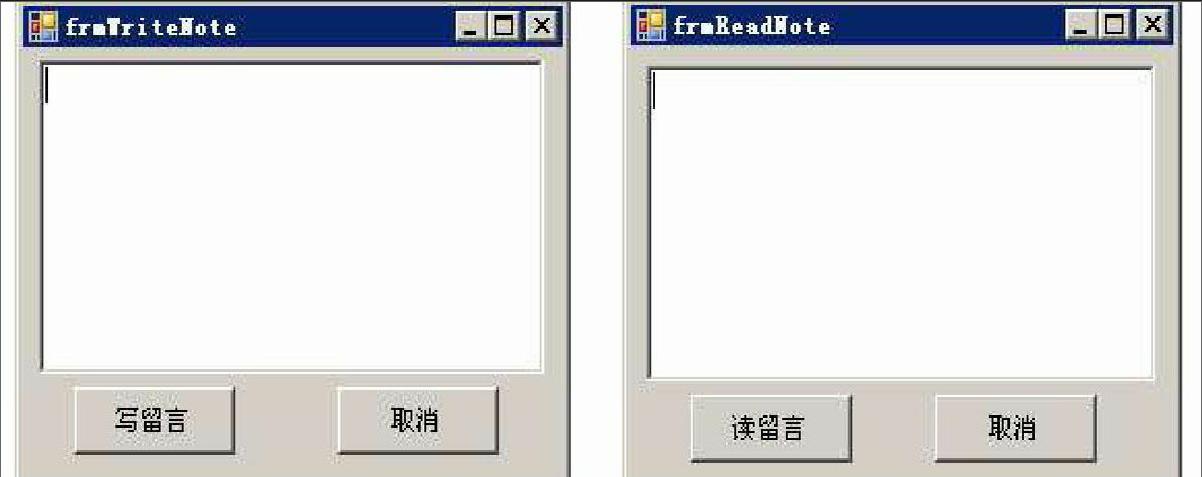
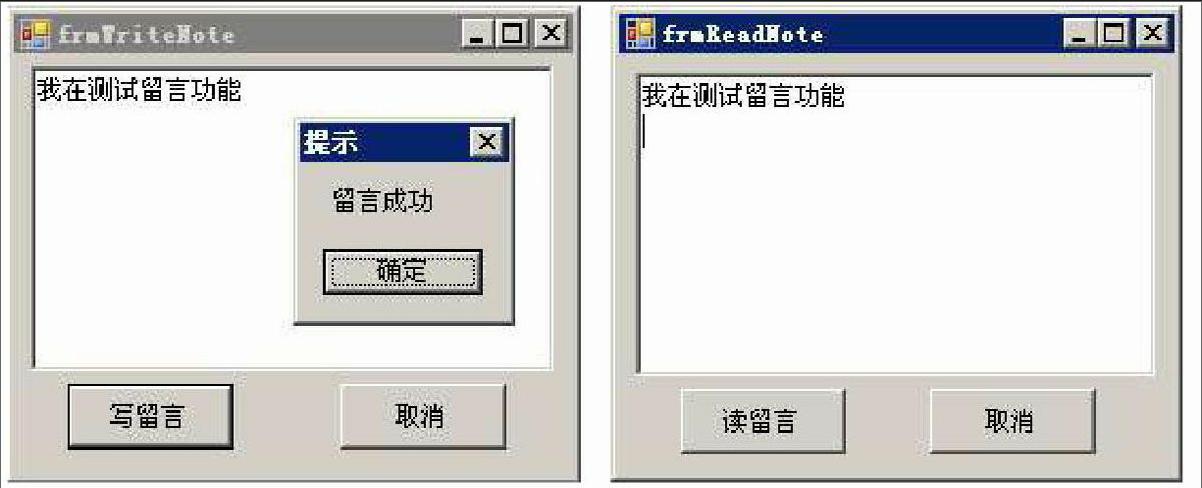
摘要:普通記事本是用戶常用的軟件之一,它的功能非常強大。但用它讀文件時,如果要把讀后感當成獨立的文件記錄下來,需要新建記事本文件,不方便以后查找。如果記事本能提供留言功能,可將讀后感存放到留言板,方便以后讀取。該記事本也不提供工具欄和文字顏色的設置,而工具欄是應用程序中必不可少的,它以形象的圖標為用戶提供了方便、快捷的操作。為此,該文設計一種帶有工具欄和留言功能的記事本,它不僅能夠進行文字編輯,字體顏色設置,自動換行,還能對文件進行新建、打開、保存、退出等操作,為用戶使用記事本提供了方便。
關鍵詞:記事本;工具欄;留言板
中圖分類號:TP311 文獻標識碼:A 文章編號:1009-3044(2014)18-4166-04
Design A Toolbar and Message Functions Notepad
WANG Cai-xia
(College of Electronic Information Engineering, Anhui Business College, Wuhu 241000,China)
Abstract: Ordinary notepad is one of the common software, It is very powerful. But when it is used to read files, If the thoughts as a separate file record, the need for new notepad file, it is not convenient search the file in the future. If the notepad can provide message function, the thoughts store to the message board, to facilitate future reading. This notepad does not provide a toolbar and a text color settings, the toolbar is essential in the application, it provides a convenient, fast operation to the image of the icon for the user. for that reason, This paper design a toolbar and message functions notepad, It can not only make text editing, font color settings, wrap, but also new, open, save, exit and other operations on files, to provide convenience for the users to use notepad.
Key words: notepad;toolbar;message board
目前,類似記事本的文檔編輯器多種多樣,有GridinSoft Notepad,Notepad++,EmEditor,UEStudio,UniRed,xint,win32pad,SkimEdit[1]。其功能也各有千秋,應有盡有。有的可以改變字體,改變文字顏色。這些軟件因為功能太復雜,初學者難以掌握,而且用它們制作的文件比文本編輯器制作的文件要大很多,不方便存儲。相對于初學者來說,一個文本編輯器只需一些簡單實用的功能即可。該文依據這樣的思想,設計一種帶工具欄和留言功能的記事本,它不僅能實現文字的基本編輯功能,如復制、粘貼、剪切、自動換行、顏色、字體等,也能進行文件的新建、打開、保存、退出等功能,還提供工具欄和留言功能,為用戶提供方便。
1 功能描述
經過調查、分析,該文設計實現以下功能。
1)可以實現文件的新建、打開、保存、退出功能。
2)工具欄提供文件的新建、打開、保存、退出、復制、剪貼、粘貼、清除、全選等功能。……
登錄APP查看全文